


After spilling a drink over a part of my keyboard, I had to replace it. Keys were all sticky and couldn’t get it clean enough. So, once again sourced a keyboard on Ebay and replaced the original one. First, remove the battery. 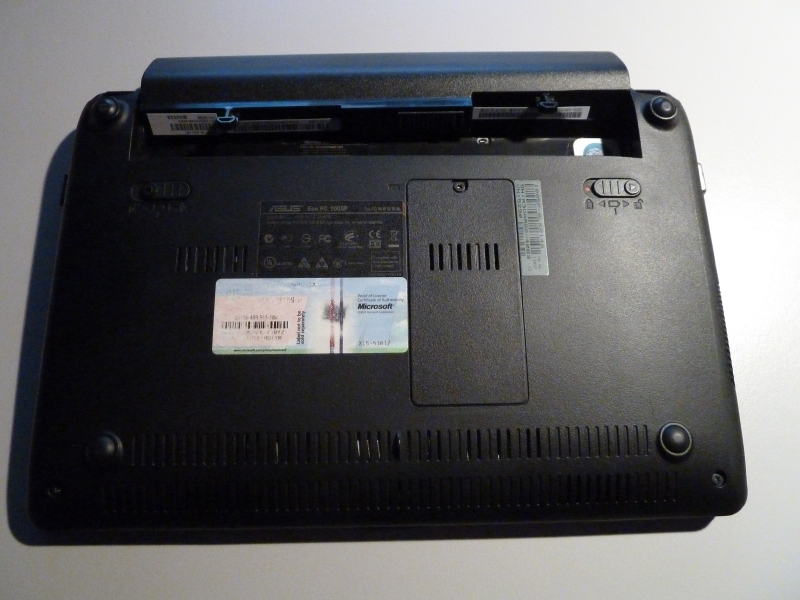 Then turn the computer over. The keyboard is held in place by a number of tabs. In the picture below I removed one of the keys on the keyboard to illustrate. Get the thin screwdriver and CAREFULLY pry the keyboard loose. 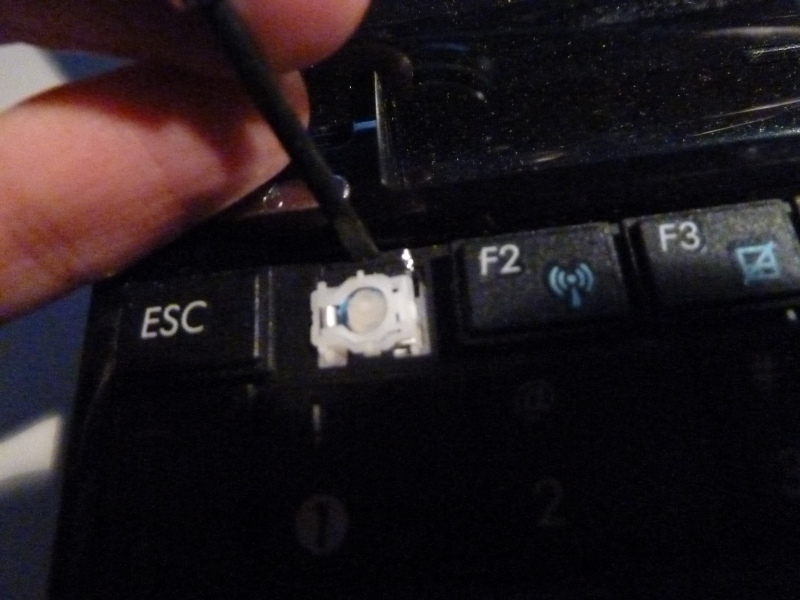 When you’ve got them all, the keyboard can lift up a bit. Don’t pull it off, it is held in place by a cable! 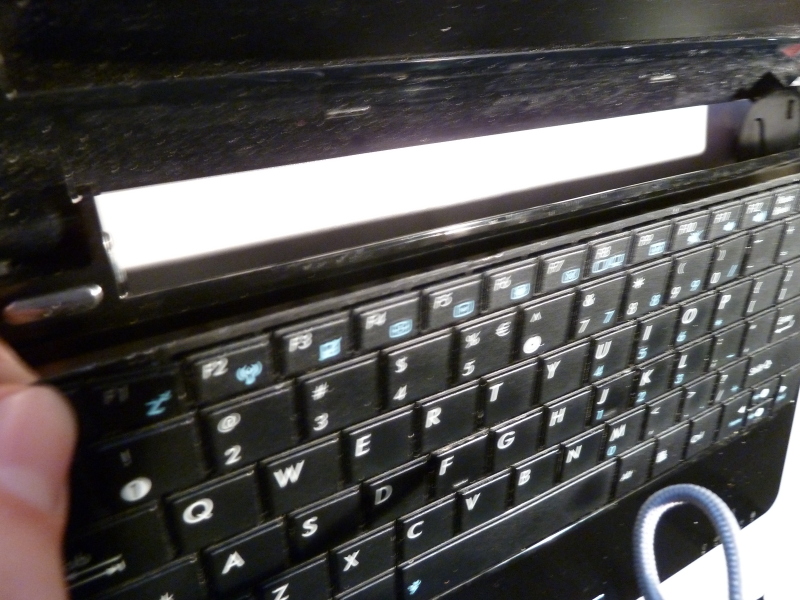 Very carefully lift the keyboard up a bit and move it towards the screen so you can see the cable and connector. 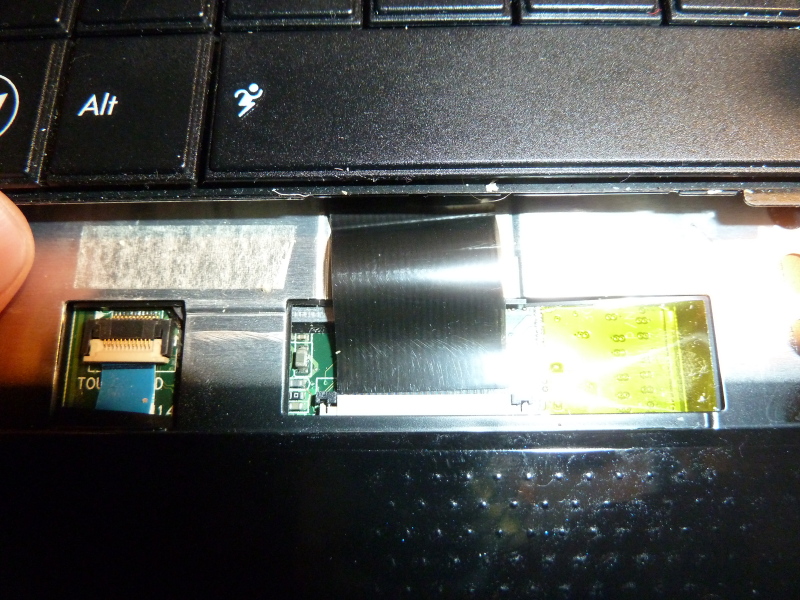 The black tabs at the sides of the connector can slide towards the screen (they don’t come off) to unlock the cable. Again, carefully use a small screwdriver to do this. 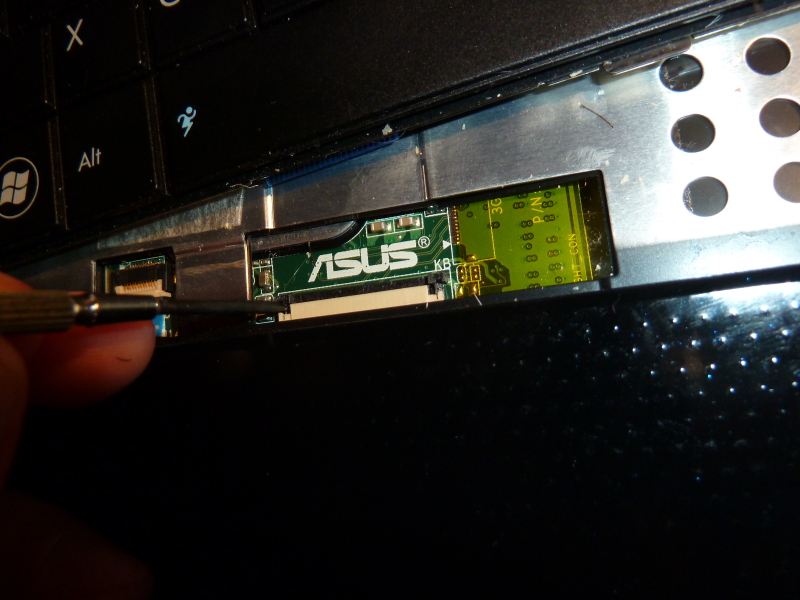 Now the cable should slide out of the connector. Remove the keyboard, put the new keyboard in place. Carefully slide the new cable securely into the connector and using the screwdriver again, fasten the two tabs. 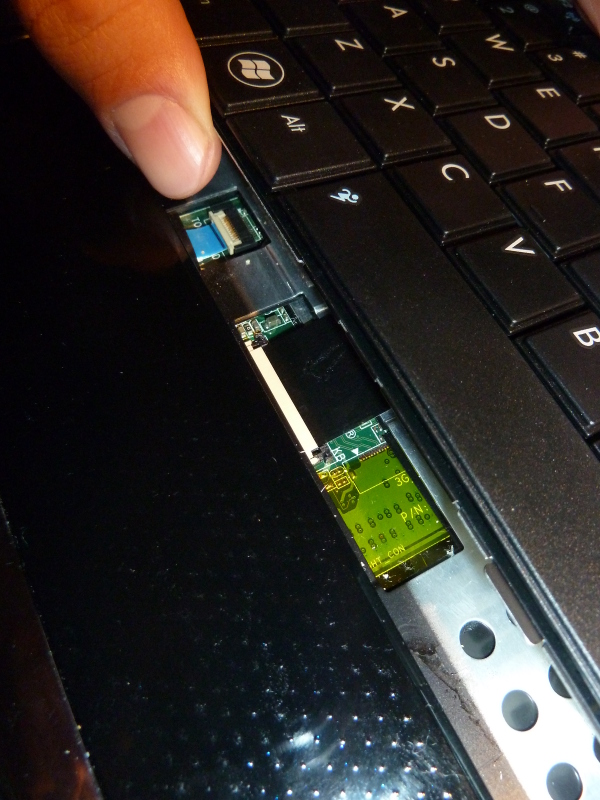 Slide the keyboard downwards making sure the cable is ok. 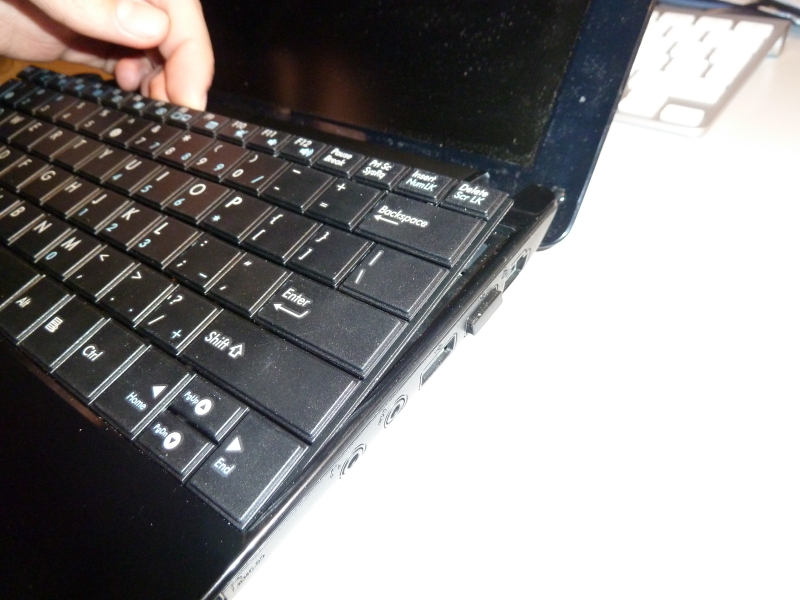 Now gently push downwards on the top of the keyboard so it clicks in place again. Replace the battery and give the new keyboard a testrun 😊 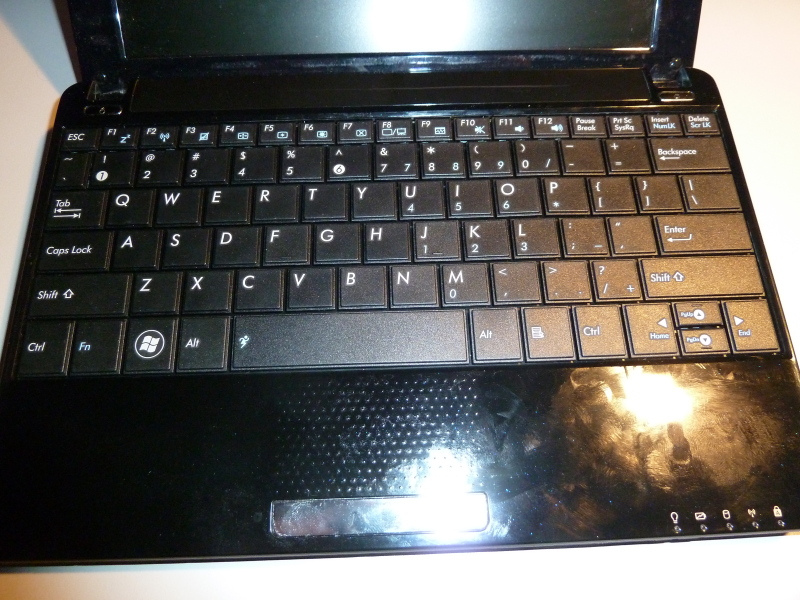 |


